 T-agent Docs
Chat with agents
Conversation history is shared with all members of the workspace.
Workspace chats bring members and agents together. Start a single-agent chat or use project conversations to work with several agents.
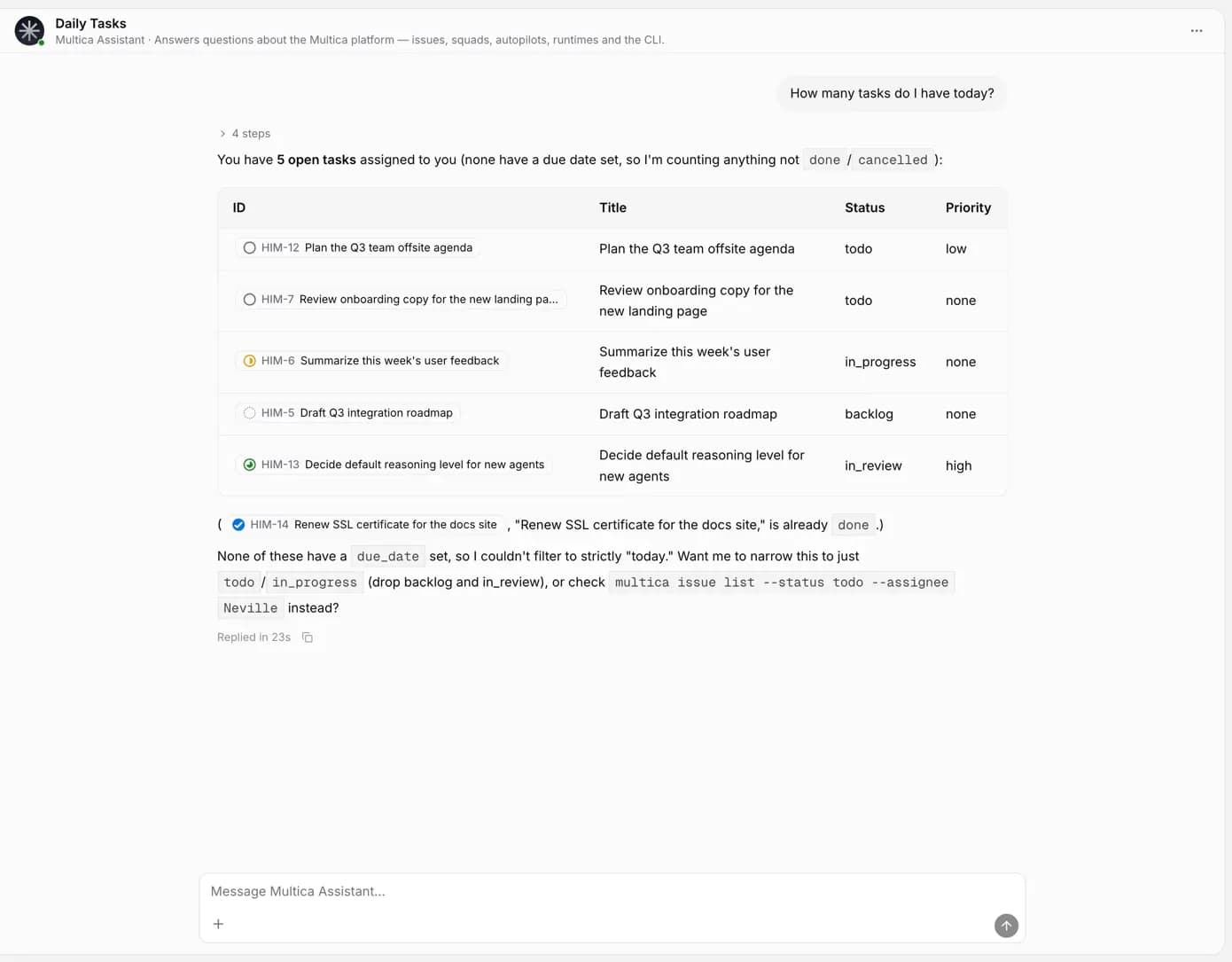
Start a conversation
Open Chat in the sidebar. Choose an agent for a single-agent conversation, or start a project chat with multiple agents. Send text, images, or files.
Current workspace members can view all conversation history, including messages, shared attachments and run details from before they joined. A teammate can continue in the same conversation using their own permissions.
Selecting a different project or removing the project starts a new conversation. Existing history keeps its original authors and timestamps.
Who replies in a project group?
| Message | Result |
|---|---|
| No agent mentioned | The project's default assistant replies |
@T-agent | Only T-agent replies |
| Several agent mentions | Each permitted agent runs once and replies in the same stream |
@All agents | Invokes eligible shared workspace agents once per target, without notifying people |
| Only a person mentioned | Does not notify that person; the default assistant still replies |
| An agent's reply contains a mention | Displays the mention without starting another run |
Use the mention picker to create a real mention link; plain @T-agent text does not identify an agent. Human mentions are display-only and do not generate notifications.
Set the default assistant in the project or group header. A new project uses the workspace's built-in shared Pi when available. If no suitable default is configured, the message is kept and asks you to configure one. Unavailable or forbidden targets are reported below the message; other targets continue. The system does not substitute another agent. A default change affects future messages only.
Each agent uses its own model and runtime. Native direct execution and the chat-wide model picker are for single-agent chats. Follow-up suggestions in groups are sent back to the agent that wrote the reply.
Context and execution
Single-agent chats resume the existing model session when the same member continues. A different member resumes from workspace history and sent attachments in a fresh run.
Each group execution starts a fresh model session with up to 30 conversation messages through the triggering message, including speaker identities, plus the project's description and resources. Older history remains readable through the message history API. Different agents can run independently; the same agent's turns within a group remain serialized.
The member who starts a run can stop it. Other runs continue. Single-agent chats can restore drafts to the original sender when cancellation allows it.
Organize chats
Each member has their own pins and read position. The conversation creator can rename, archive, unarchive, or delete it.
Archiving makes a chat read-only. Deleting a project archives its chats and preserves their history. Current members retain access to conversation history after the creator leaves.
Deleting a conversation permanently removes its messages and stops unfinished runs. Archive it when you want to keep the history.
External channel bindings are removed on archive and must be rebound manually after unarchive. Project chats require compatible client and server versions.
Chat or issue?
Use one agent for a focused conversation or a project chat for several agents. Use issues when the work needs an assignee, status, priority, and deliverable. See Chat API for scripted access.